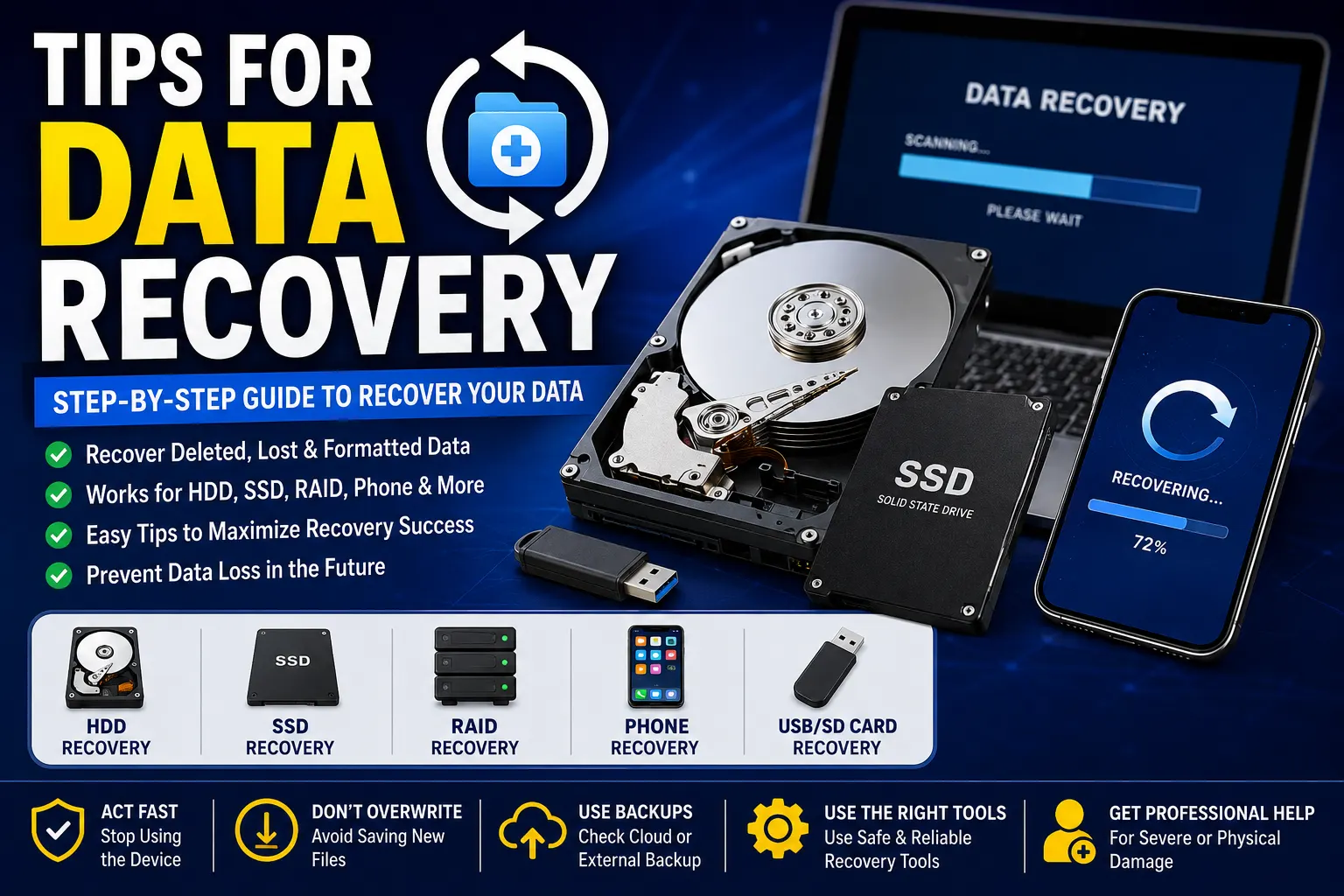
Tips for data recovery
Data loss can happen unexpectedly due to accidental deletion, hardware failure, viruses, or system crashes. This comprehensive guide shares practical tips for recovering data from HDDs, SSDs, RAID systems, smartphones, USB drives, and memory cards. Learn the best recovery practices, common mistakes to avoid, and expert advice to maximize your chances of restoring valuable files safely.
Tips for Data Recovery: Recover Your Lost Files Safely
Losing important data can happen to anyone. Whether it's family photos, business documents, videos, or project files, accidental deletion, hardware failure, malware, or system crashes can make valuable information inaccessible. Fortunately, data recovery is often possible if you act quickly and follow the correct recovery methods.
This guide explains practical data recovery tips, recovery methods for different storage devices, and ways to prevent permanent data loss in the future.
What is Data Recovery?
Data recovery is the process of retrieving deleted, corrupted, formatted, or inaccessible files from storage devices such as hard drives, SSDs, USB flash drives, memory cards, smartphones, RAID systems, and servers. The success of recovery depends on the cause of the data loss, the condition of the device, and how quickly recovery begins.
Common Causes of Data Loss
Understanding why data is lost helps you choose the right recovery method.
Some of the most common causes include:
- Accidental deletion
- Formatting a drive
- Hard drive failure
- SSD firmware problems
- Virus or ransomware attacks
- Power outages
- Water or physical damage
- Operating system crashes
- Corrupted partitions
- RAID failures
- File system corruption
Step 1: Stop Using the Device Immediately
The biggest mistake people make is continuing to use the affected device after losing data.
Every new file written to the storage device can overwrite deleted data, making recovery much more difficult or impossible. If your files are important:
- Stop saving new files.
- Disconnect external drives.
- Avoid installing recovery software on the affected drive.
- Do not repeatedly reboot a failing device.
Step 2: Identify the Type of Data Loss
Different situations require different recovery methods.
Logical Failure
Examples include:
- Deleted files
- Formatted partitions
- Corrupted operating systems
- Virus infections
These are usually recoverable using professional recovery software.
Physical Failure
Examples include:
- Clicking hard drives
- Water damage
- Fire damage
- Broken SSDs
- Burned electronics
Physical failures should be handled by professional recovery technicians instead of DIY attempts.
HDD Data Recovery Tips
Traditional hard drives (HDDs) often show warning signs before failure.
Do:
- Stop using the drive immediately.
- Listen for clicking or grinding noises.
- Create a disk image if possible.
- Recover files before attempting repairs.
Don't:
- Open the drive yourself.
- Freeze the hard drive.
- Continue restarting the computer.
SSD Data Recovery Tips
SSD recovery differs from HDD recovery because SSDs use flash memory and technologies like TRIM.
Best practices:
- Disconnect the SSD immediately.
- Avoid writing new data.
- Recover files as quickly as possible.
- Use professional recovery services for firmware failures.
RAID Recovery Tips
RAID systems provide redundancy but are not immune to failure.
If your RAID array fails:
- Do not rebuild the RAID immediately.
- Never initialize missing disks.
- Label all drives before removing them.
- Contact a RAID recovery specialist for critical business data.
Smartphone Data Recovery Tips
Phones store thousands of valuable photos, contacts, and documents.
If data is lost:
- Stop taking photos.
- Disable automatic updates.
- Avoid installing unnecessary apps.
- Use cloud backups if available.
- Seek professional recovery for damaged devices.
USB Flash Drive Recovery Tips
USB drives commonly fail due to:
- Corruption
- Improper removal
- Physical damage
If your USB drive isn't detected:
- Try another USB port.
- Test another computer.
- Avoid formatting the drive.
- Recover files before attempting repairs.
Memory Card Recovery Tips
Memory cards are commonly used in cameras and mobile phones.
For better recovery chances:
- Stop using the card immediately.
- Do not record additional photos.
- Use a card reader instead of the camera.
- Recover files before formatting.
Server Data Recovery
Businesses rely heavily on servers.
Server failures may occur because of:
- RAID failure
- Power loss
- Hardware damage
- Operating system corruption
Professional recovery minimizes downtime and helps restore critical business data securely.
Data Recovery Best Practices
Follow these best practices to maximize recovery success:
- Stop using the affected device immediately.
- Keep the device powered off if physical damage is suspected.
- Create backups whenever possible.
- Recover files to a different storage device.
- Never install recovery software on the damaged drive.
- Work from a disk image whenever possible.
- Use trusted recovery software or professional services for valuable data.
How to Prevent Future Data Loss
The best recovery strategy is preventing data loss in the first place.
Follow the 3-2-1 Backup Rule
Maintain:
- 3 copies of your data
- 2 different storage media
- 1 backup stored off-site or in the cloud
This greatly reduces the risk of permanent data loss.
Other prevention tips include:
- Schedule automatic backups.
- Keep antivirus software updated.
- Use surge protectors or UPS devices.
- Safely eject external drives.
- Monitor hard drive health regularly.
- Replace aging storage devices before failure.
When Should You Contact a Professional?
Seek professional help if:
- Your hard drive clicks or grinds.
- The device suffered water or fire damage.
- RAID systems fail.
- SSD firmware becomes corrupted.
- Your business data is critical.
- DIY recovery attempts fail.
Professional recovery labs have specialized equipment that significantly improves the chances of successful recovery for physically damaged devices.
Need Professional Data Recovery Services?
If your files are too valuable to risk, let experienced technicians recover them safely. Our professional team specializes in recovering lost data from HDDs, SSDs, RAID arrays, smartphones, USB drives, memory cards, laptops, desktops, and servers using advanced recovery techniques. Whether you've experienced accidental deletion, hardware failure, or physical damage, we provide secure, confidential, and fast recovery solutions to help you get your important files back.
Learn more about our professional service here:
https://homesols.com/en/service/it-support/data-recovery-services-in-mesa-data-experts
Frequently Asked Questions
Can deleted files always be recovered?
Not always. Recovery depends on whether the deleted data has been overwritten and the condition of the storage device.
Is SSD recovery harder than HDD recovery?
Yes. SSDs use TRIM technology, which can permanently erase deleted data more quickly than traditional hard drives.
Can RAID data be recovered?
Yes. RAID arrays can often be recovered after disk failures, controller issues, or accidental configuration changes by experienced specialists.
Can water-damaged hard drives be recovered?
Yes. Many water-damaged drives can be recovered by professional data recovery laboratories if handled correctly.
What should I do if my hard drive makes clicking noises?
Stop using it immediately. Continued operation may cause further physical damage and reduce the chances of successful recovery.
Related Posts



Need a Professional?
Browse verified service providers on HomeSols. From plumbers to electricians, find the right expert for your needs.
Browse Services